Plugin Application
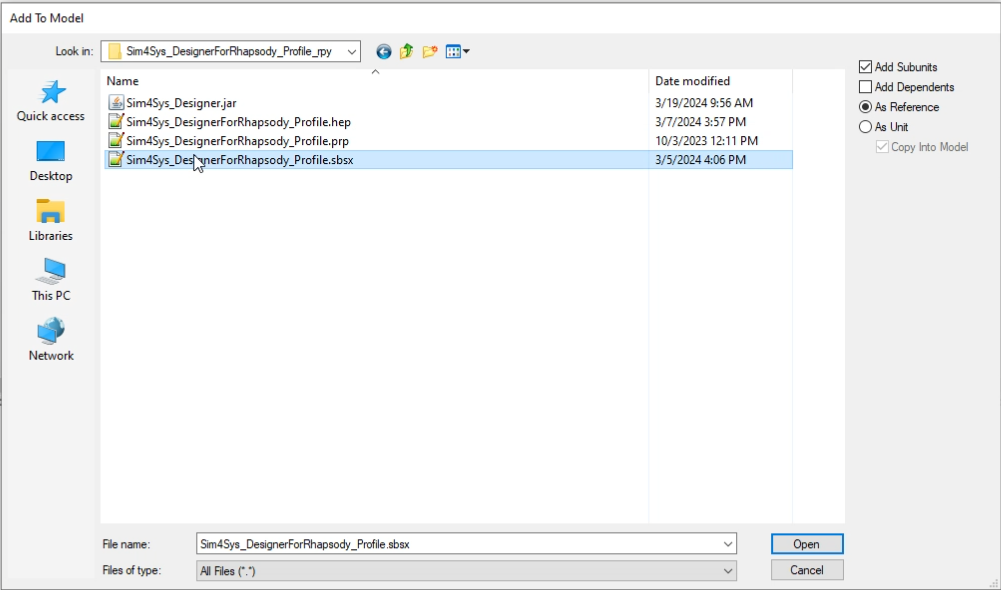
In orber to be able to use Sim4Sys Designer in Rhapsody, you must first apply it to your project by loading the Sim4Sys_DesignerForRhapsody_Profile.sbsx file.
提示
Make sure you have created a model before applying the plugin. Next, apply the Sim4Sys perspective.
APPLY THE SIM4SYS PLUGIN
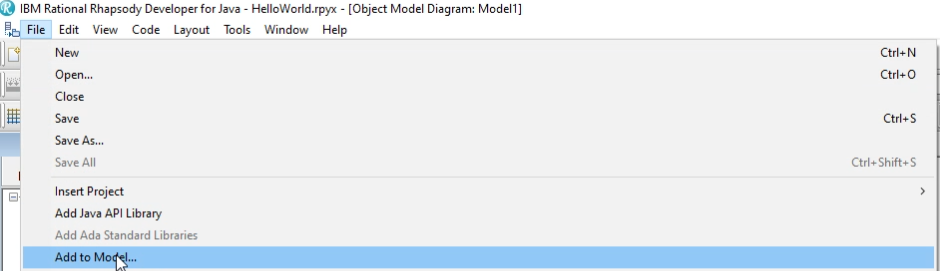
- Click on File > Add To Model
- Choose the file called Sim4Sys_DesignerForRhapsody_Profile.sbsx
- Click on Open