Code Generation
In order to validate the Service State Machine, we need to generate a code to test.
tip
Before generating code, make sure you have generated the state machine transitions. The XML file is exported automatically during the build (see Export XML).
CONFIGURE DEPLOYMENT AND BUILD
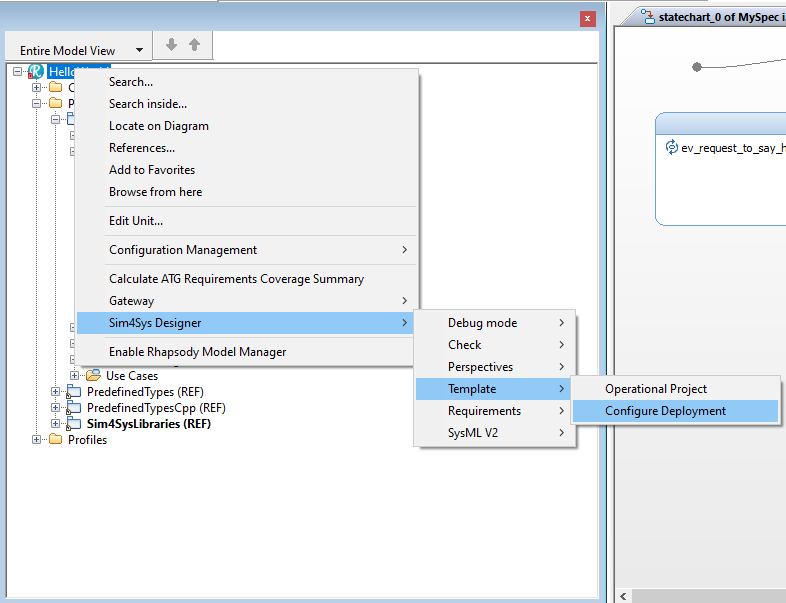
- Right Click on the Project
- Click on Sim4Sys Designer > Template > Configure Deployment
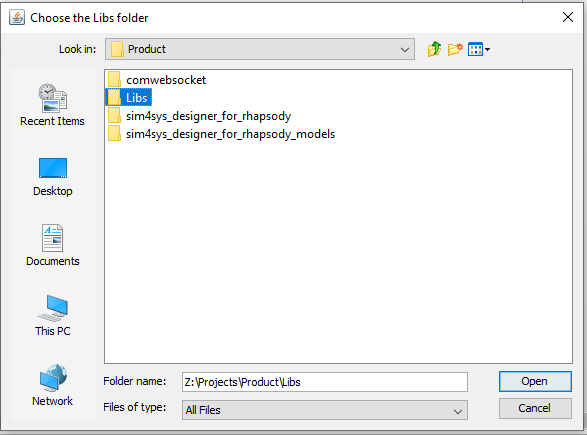
- Choose the folder called : Libs
- Click on Open
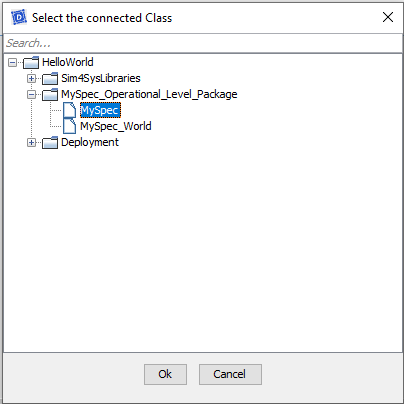
- Choose the System MySpec to connect it to Virtual Bench.
- Click on OK
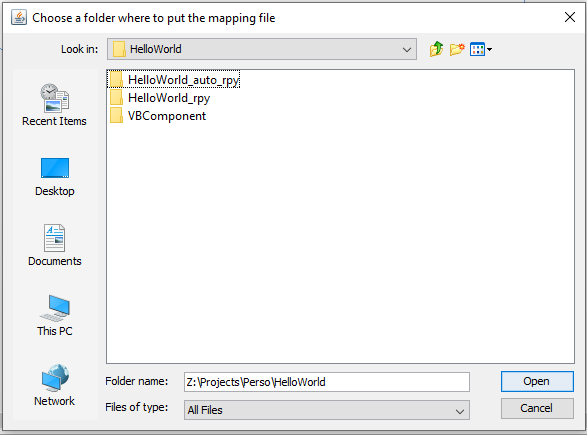
- Choose the folder where you want to put the .xml file.
- Click on Open
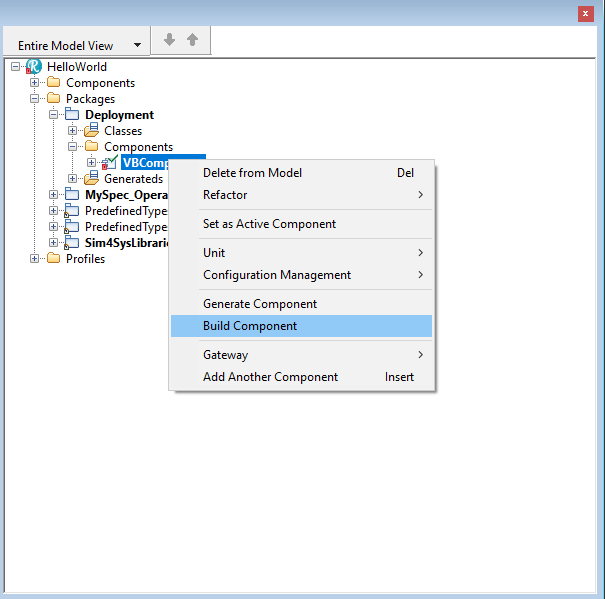
- Open the Components in the Deployement package.
- Right Click on VBComponent
- Click on Build Component
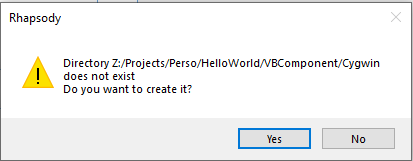
- Click on Yes