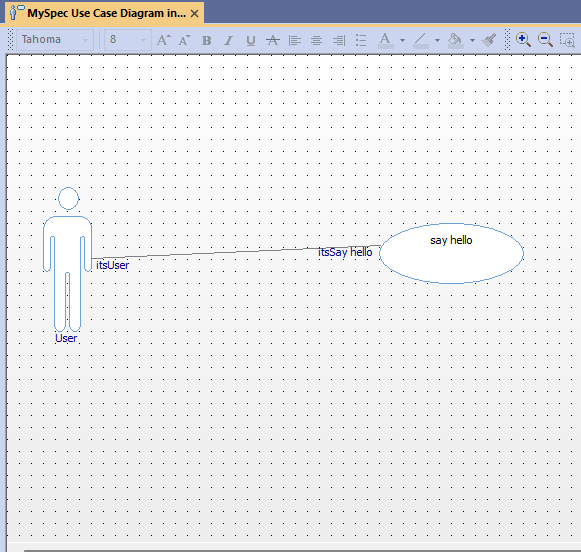
New Use Case
We create use cases to indicate the interactions between actors and life situations of the system. In other words, how the actors will use the system.
The actor represents an external element that interacts with the system. This element can be a user or a third party system (other computer, other program, database, etc.).
tip
Make sure you have created a service before adding use cases. Next, create a Sequence Diagram to detail the user story.
CREATE A USE CASE
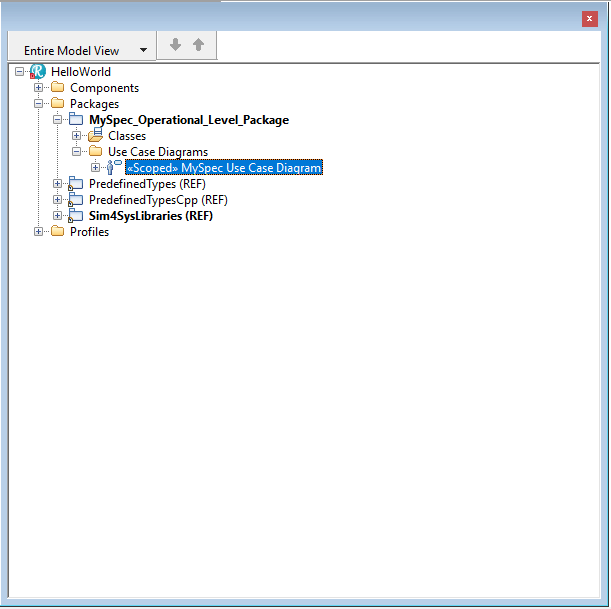
- Double Click on the Use Case Diagram
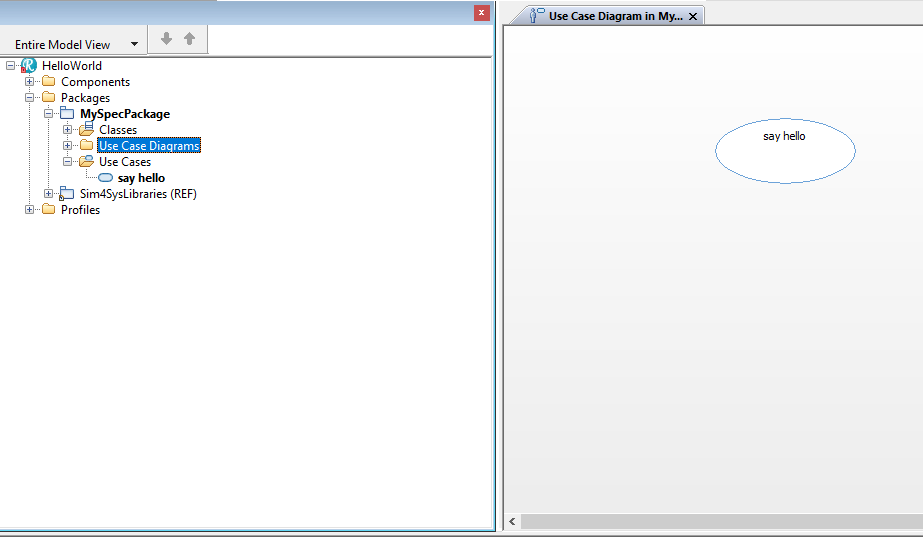
- Drag&Drop a new Use Case on the diagram
- Type the name of the use case
ADD AN ACTOR
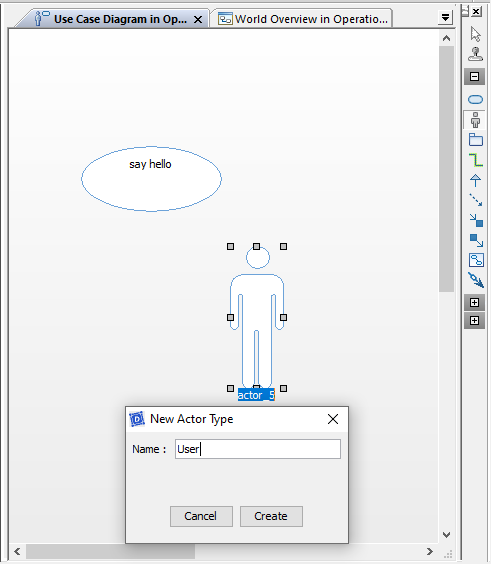
- Drag&Drop an Actor on the diagram
- Type the name of the Actor
- Click on Create
ADD AN ASSOCIATION
- Add an association between the actor and the use cases