Visualize Service
With CATIA Magic 2024x, unlike Papyrus and Rhapsody, we do not need to generate code in order to simulate our model.
提示
Before simulating, make sure you have generated the state machine transitions. The XML file is exported automatically during simulation — see Export XML.
RUN CONTEXT EXECUTION
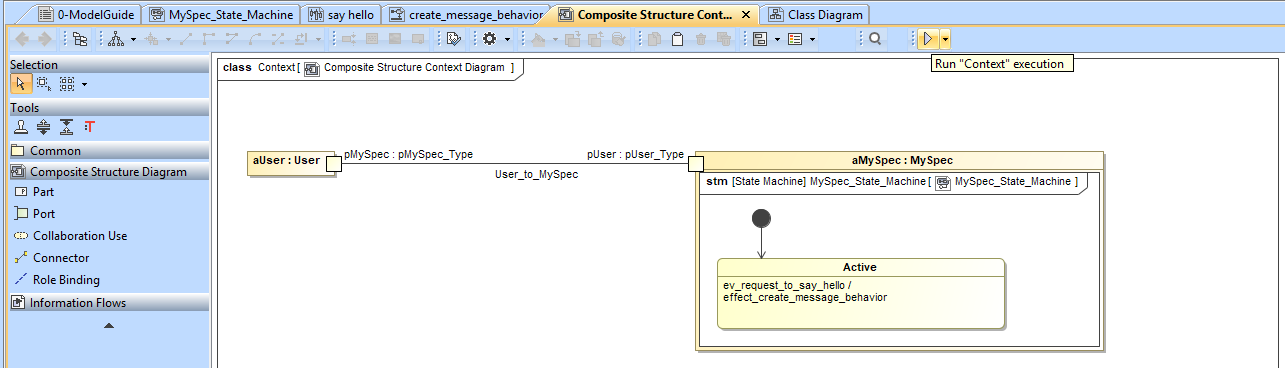
Go to "Composite Structure Context Diagram", then click "Run Context execution".
Communication between CATIA Magic and Virtual Bench is set to port 9002.
- To ensure correct simulation behavior between Virtual Bench and CATIA Magic, set the "Animation speed" to maximum.
