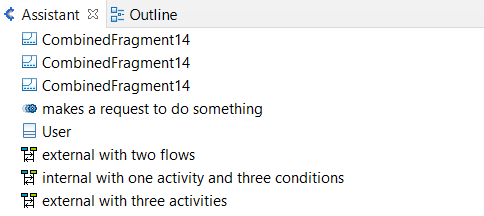
Navigation from an element
Here is the way to go up the path of an element in different places of Designer Papyrus.
All is done by right-clicking on the element.
From the Overview
Navigate
-> go to type
By right-clicking on the element, you can go back to its Types Diagram :
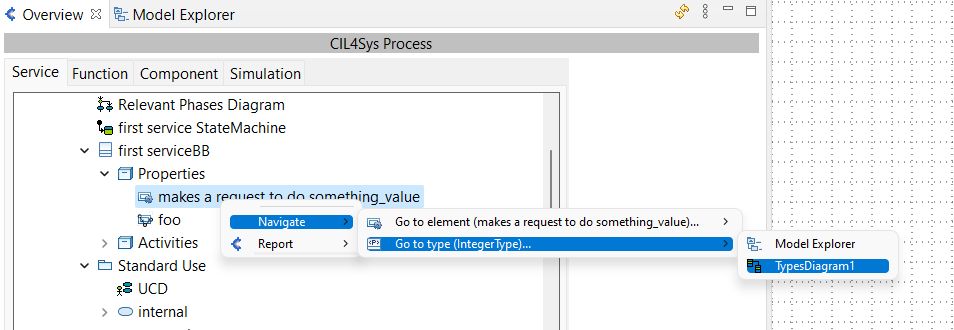
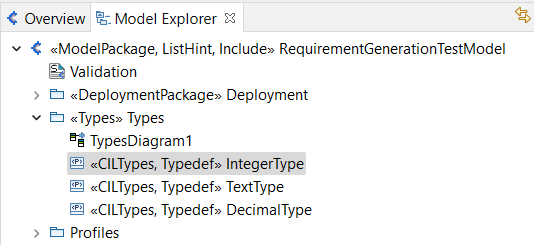
or to its Type in the Model Explorer :
-> go to element
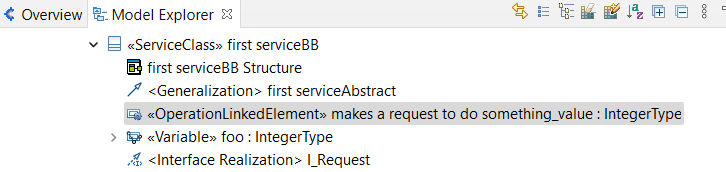
You can reach the element in the Model Explorer
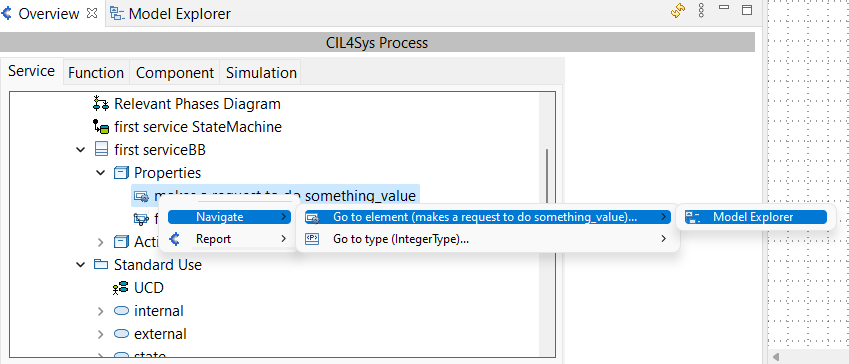
If you go to the Model Explorer, the element will be selected :
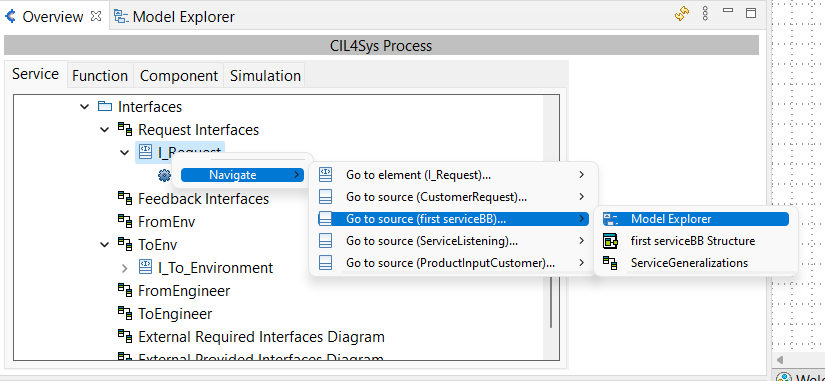
-> go to Source
You have the ability to go back to the different sources (Here an example for an Interface) :
Report Usage
By right-clicking on the element, you can also have a report of its usage. The report will appear just below the overview, in the Assistant view.
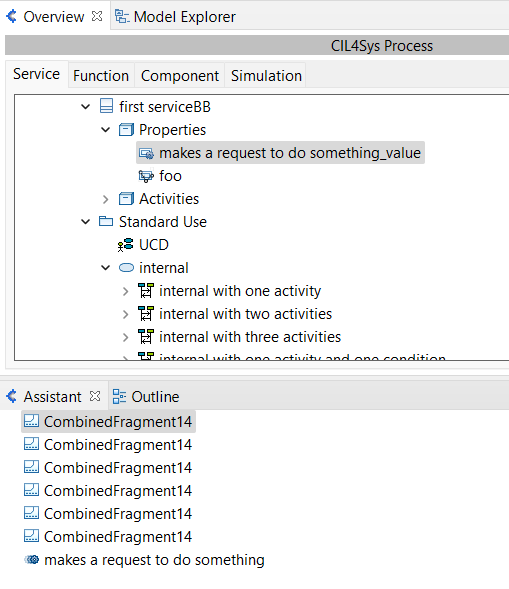
And in the same way, from the "Assistant", you can reach the different locations where this element is used.

From the Model Explorer
Navigate
By right-clicking on an OperationLinkedElement, a Constant or a variable, you're able to reach the TypesDiagram or the type definition in the Model Explorer.
Report Usage
This is the same process, from the Model Explorer, to reach the report usage. By right-clicking on the element, the different usages will be shown in the Assistant view.
From the Diagram
Navigate
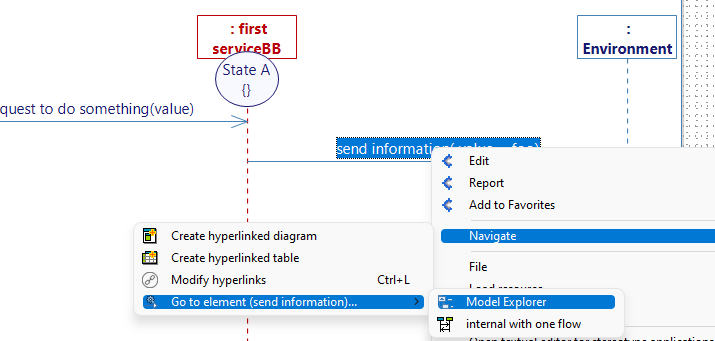
From the diagram, you can go back to the element in the Model Explorer and do some other actions.
Report Usage
This is the same process, from the Diagram view, to reach the report usage. By right-clicking on the element, the different usages will be shown in the Assistant view.
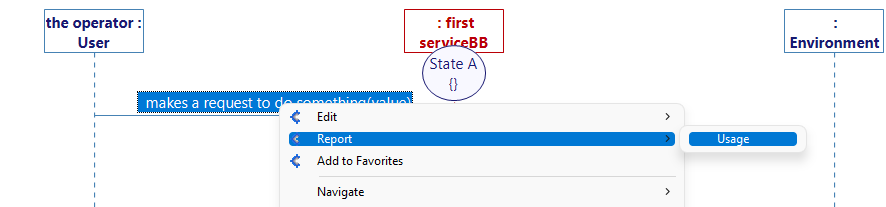
then, in the Assistant view :