Change the windows position
Change the tab or the diagram position
You can customize every part of the workspace position, from the Assistant to the User stories, you can move everything as you wish.
- Click on the tab you want to move
- Drag and drop it where you want it
Example : Open a Structure diagram next to a Sequence diagram
- Double click on the structure diagram to open it
- Double click on the sequence diagram
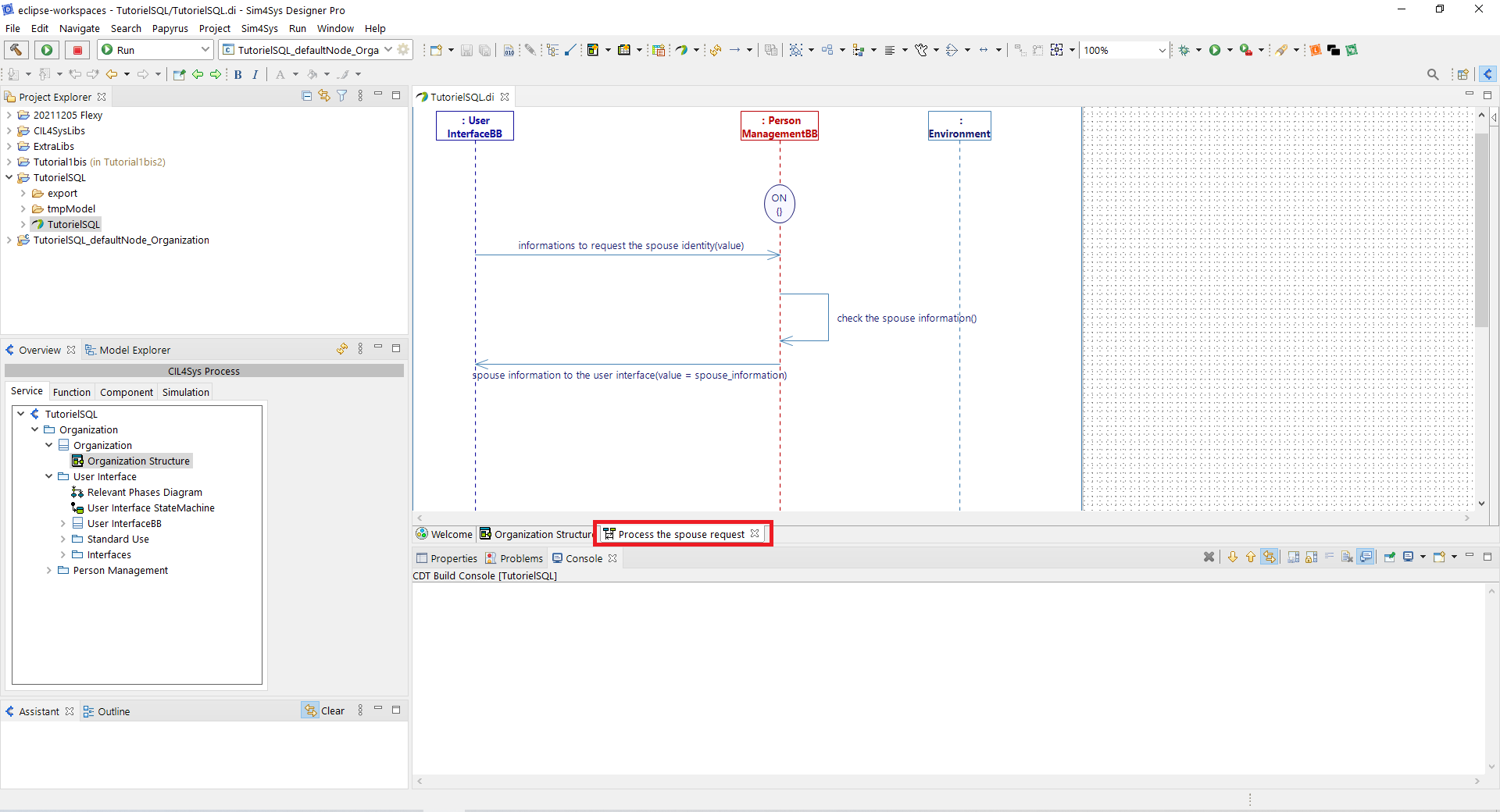
- Drag and drop the sequence diagram
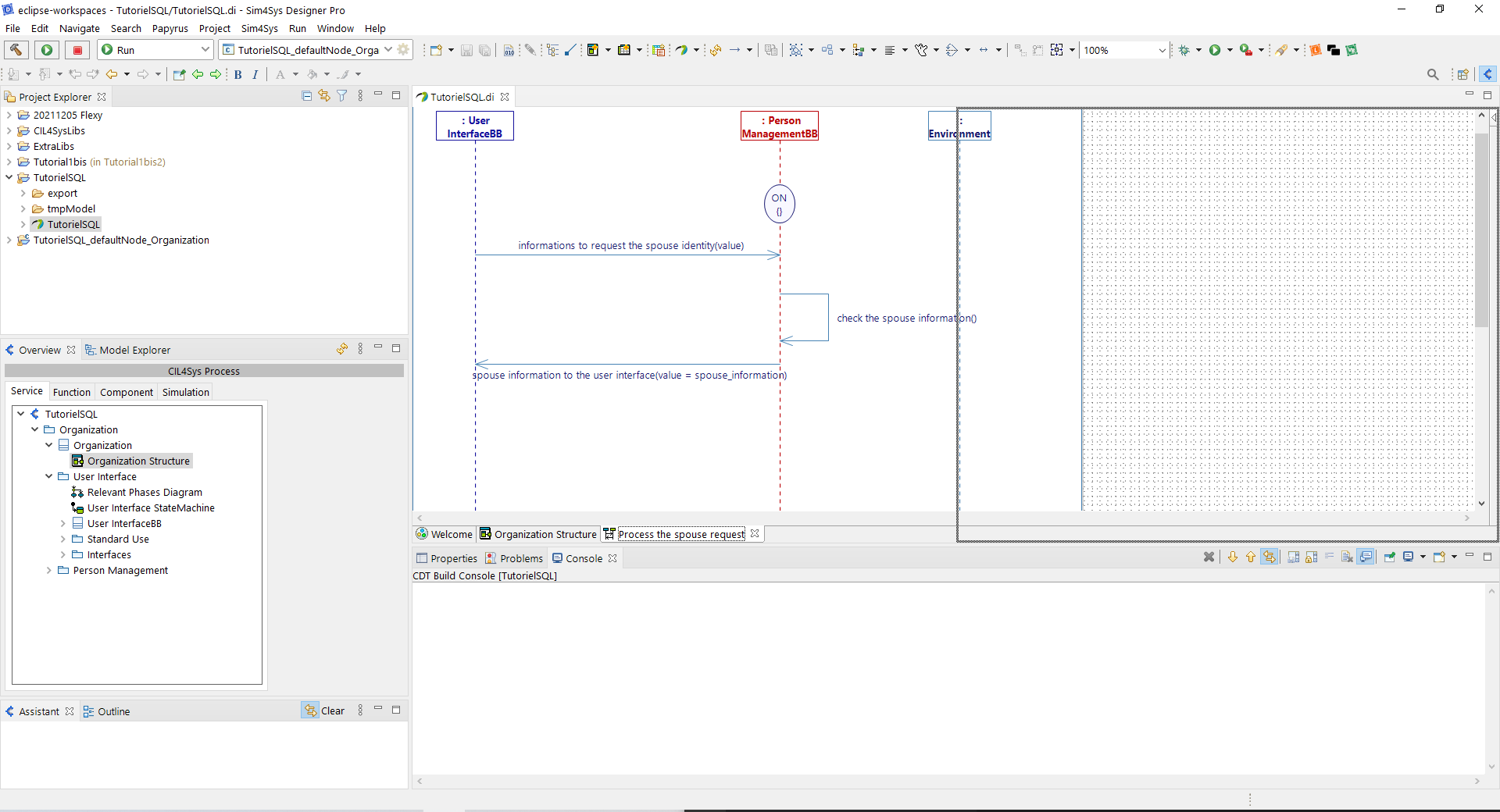
- Now you have the two diagramme next to each other
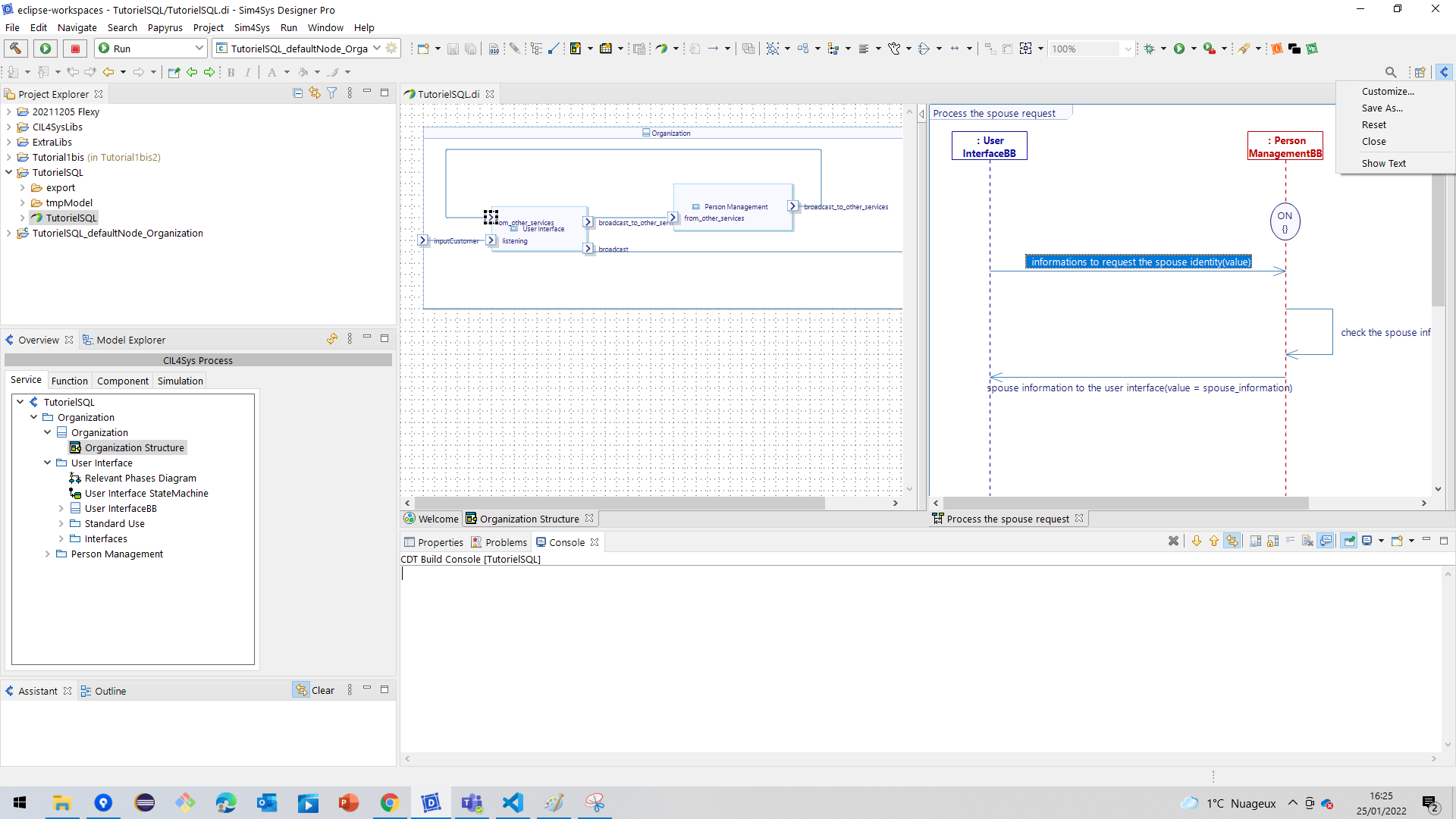
Restore the default perspective
- To reset the persepective right click on the cil4sys button located on the top right
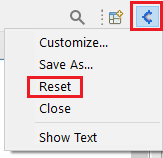
- Click on Reset
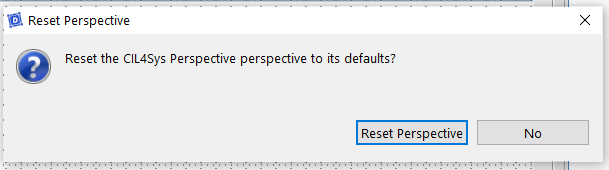
- The following window will appear. Click on Reset Perspective