Resources Dialog
This page describes the Project Resources dialog, which centralizes access to the main resources of your project.
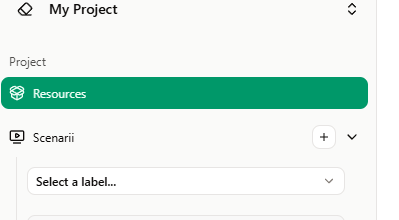
Open the Project Resources dialog from the project page: in the left sidebar, under Project, click Resources.
The dialog shows a list of resource categories in a left panel; selecting one displays its items and actions in the main area.
In each category you can use + New to add a resource, Search to filter the list, and for each item the Edit (pencil), Copy (where available), and Delete (trash) actions.
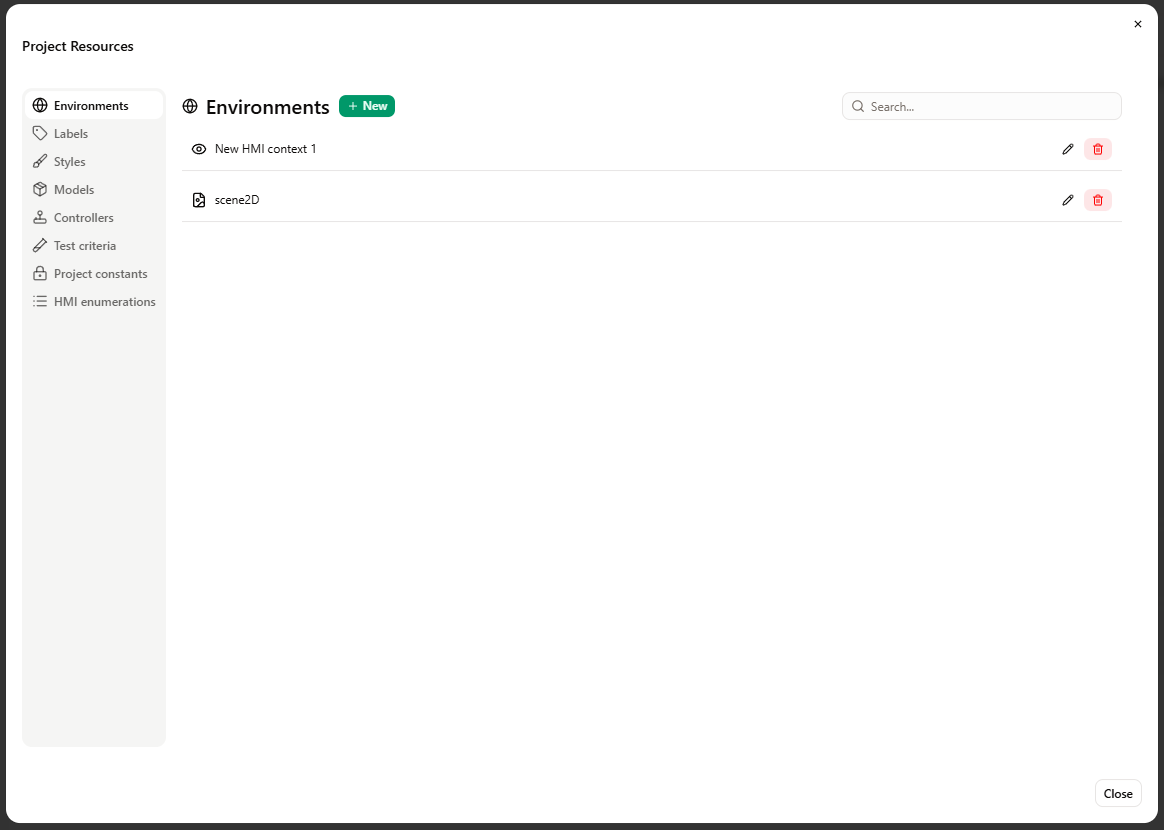
Environments
Manage the environments used in the project (e.g. HMI contexts, Scene2D). Each environment corresponds to a view or scene that can be used in scenarios to get a feedback on your system. At least on environment is necessary to create a scenario.
Labels
Labels let you organize and filter scenarios (e.g. by theme or status). Each label has a name and a color, and can be associated with one or more scenarios.
Styles
Manage visual styles applied across the project. The CSS sub-section lists cascading style sheets; you can add new CSS resources, edit or duplicate existing ones, and delete them. Styles affect the appearance of scenario elements.
Models
View and manage the models of the project. Each model can contain model parts and flows. Use this section to create models, open them for editing, or remove them. You can import you model information in the edition dialog.
Controllers
Controllers define logic and sequences used in scenarios. You need to define them at the project-level to be able to reuse them in different scenarios. Create, edit, copy, or delete controllers from this category. Detailed configuration is done in the controller editor.
Test criteria
Test criteria are conditions used to evaluate scenario runs. Define them here and assign them to scenarios where needed. You can add new criteria, search the list, and edit or delete existing ones.
Project constants
Project constants are named values shared across the project. Create, edit, or delete constants in this section; they can then be used in scenarios, controllers and test criteria.
HMI enumerations
HMI enumerations define lists of values used in the Human-Machine Interface (e.g. dropdown options or state lists). Manage these enumerations here so they are available when designing HMI contexts and elements.