Edit Curve Profile
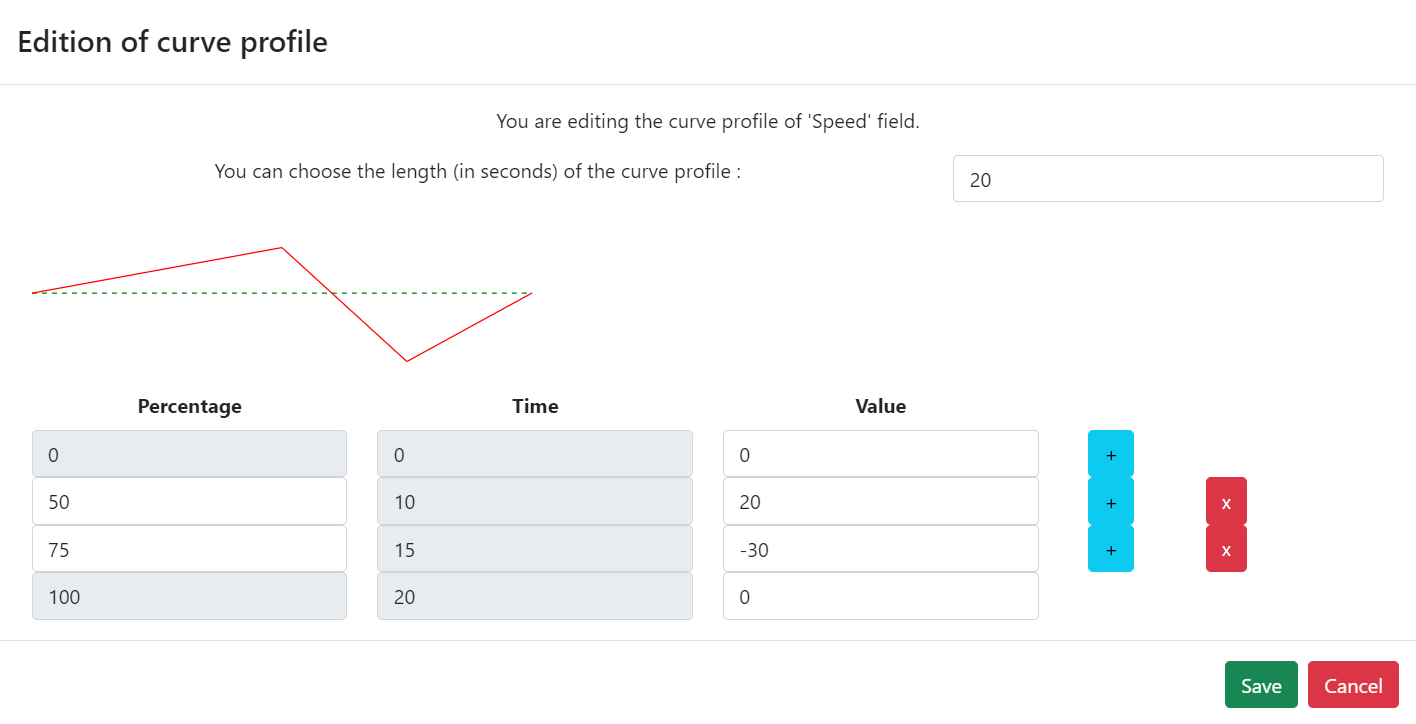
To edit a curve profile, check the box, then click the button .

In the popover "Edition of curve profile", you can set the Duration (in seconds), view the curve on the chart (value vs. time), and edit the curve in the table: use the button on a row to add a midpoint after that point, or the button to delete that point. When done, click Save or Cancel.
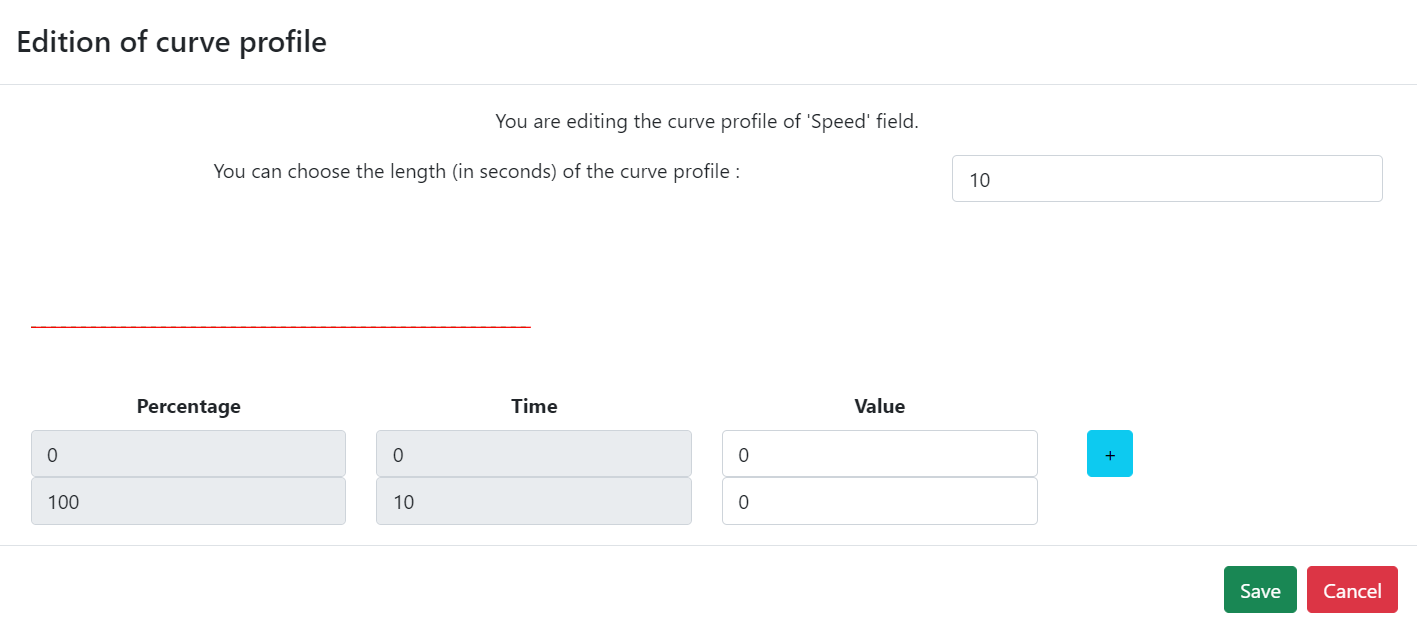
When you are satisfied with your curve, click Save.
info
By default, each new point is placed equidistant between its previous and next points: