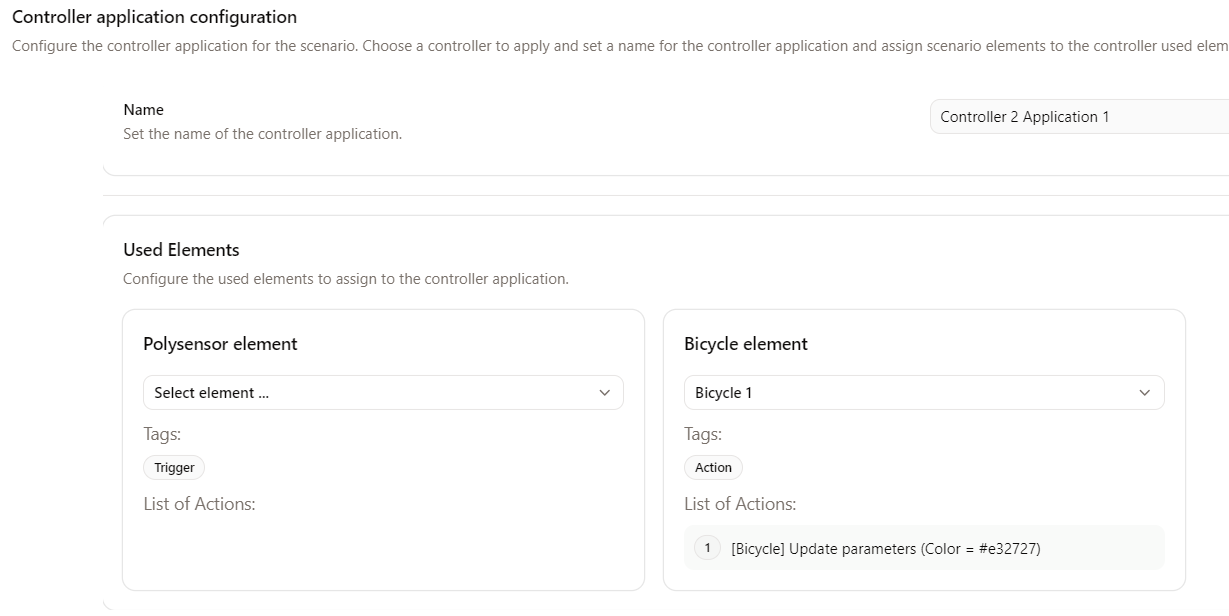
Invalid elements
Some elements of Virtual Bench may become invalid due to:
- updating a project model, following the modification of a Type or a Flow in a model,
- missing or incorrect parameter values in certain elements (see the example bellow).
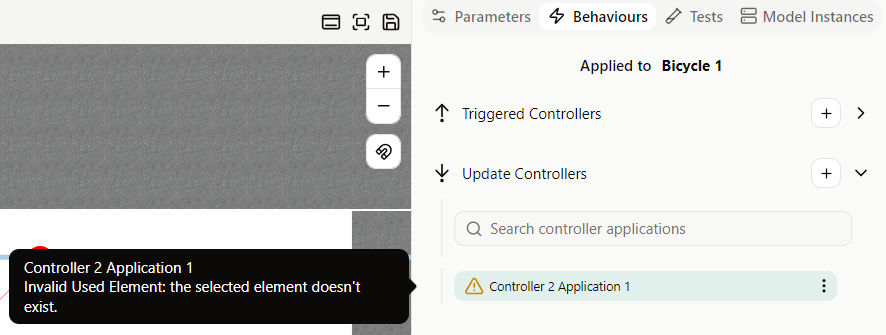
The list of Invalid Elements can be found in the right side view, in the Behaviours tab.
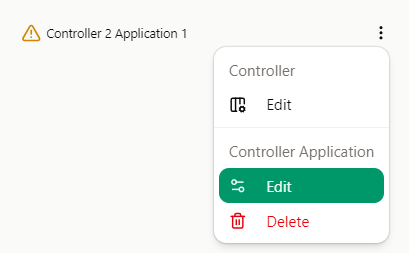
For each one, an explanation of the problem is provided. You can open the controller application to edit and correct it by opening the menu and clicking Controller Application | Edit.
info
It is strongly recommended to resolve these problems before running the scenarios (to avoid any unexpected crashes of the executable).
For example, a controller is defined as invalid if one of the scenario elements needed in its application no longer exists.