Edit Color
There are several ways to edit a color parameter using different color formats: HEX, RGB, HSL, or HSB :
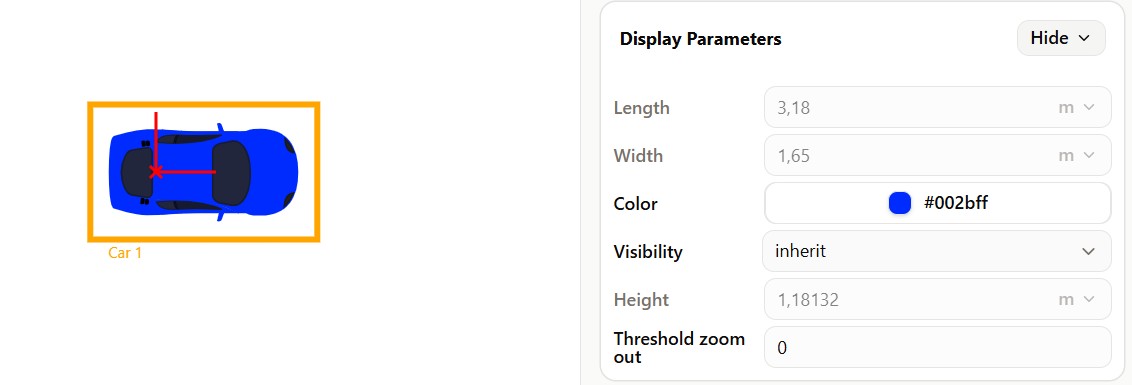
- click on
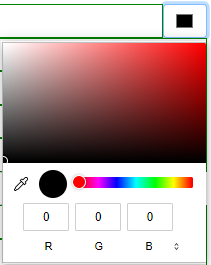
 to open the color panel :
-
You can switch between color formats (RGB, HSL, HSB) by using the dropdown menu at the bottom of the color picker.
-
The bottom slider controls the opacity of the color, regardless of the selected color format. It can be adjusted numerically or via the slider.
-
Select a color using the visual picker, use the pipette, or enter values in your preferred format (HEX, RGB, HSL, or HSB).