Set of scenarios
Create a set
In the "Project" Tab, Click on + next to Set of scenarios:

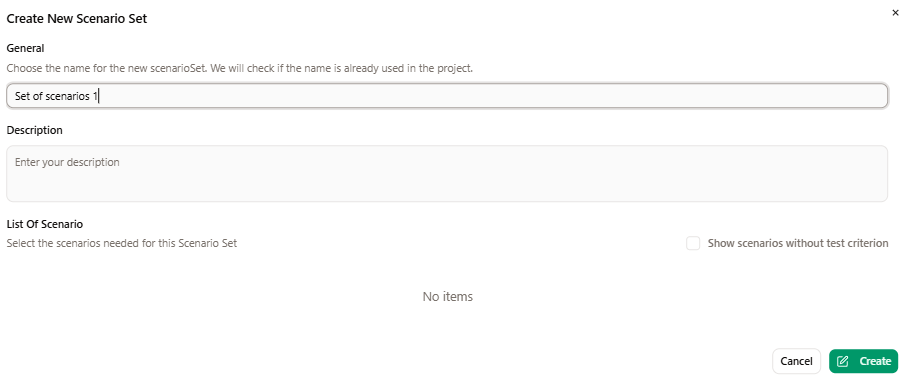
A popup opens, you have to name the set, you can add a description, and you can select/unselect scenarios to add to the set:
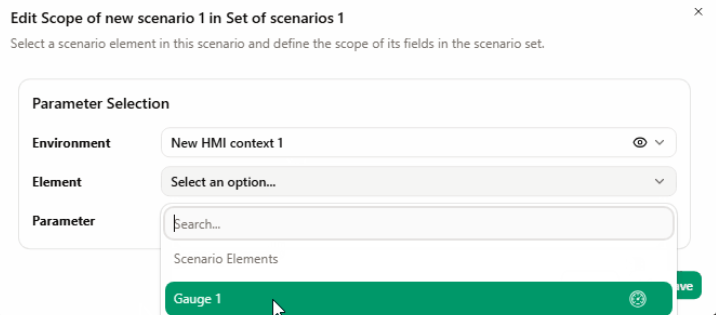
you can edit the scope of your scenario in Set of scenarios.
1- Click on the 'setting controls' icon next to the scenario.

2- Select a scenario element in the scenario and define the scope of its fields.
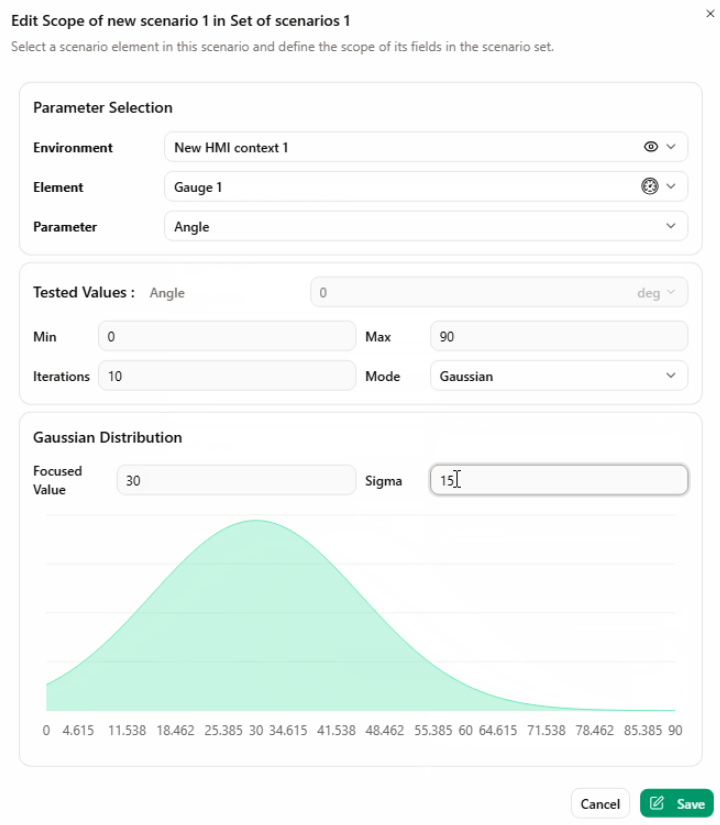
3- Finish value range configuration depending on your expectations
After validation, the set appears in the "Project" tab :

Launch a set
Check the duration of each scenario before launching a set. The total duration you see is different from the Scenario Duration parameter. In the set of scenarios context, the total duration covers the period from the start of the scenario to the last test criteria.
The use of Sim4Sys launcher is necessary in order to launch the executables automatically at the beginning of a scenario.
Click on the 3 dots next to the set, a new context is visible:
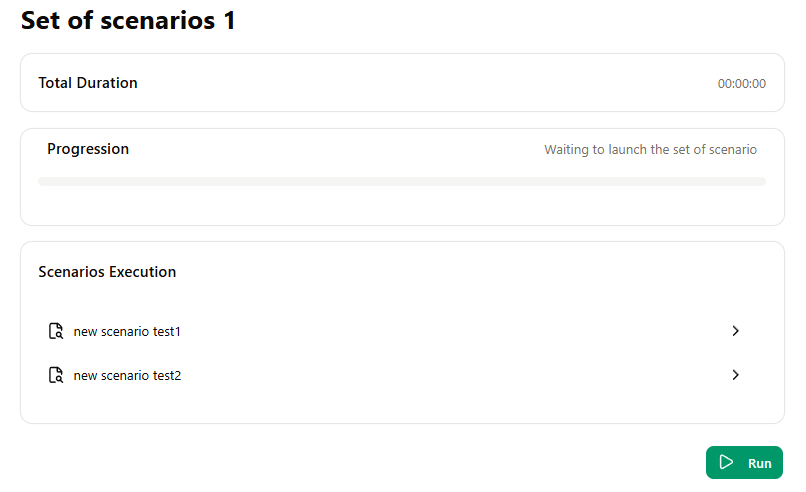
Click on "Run", the context now indicates the progression of the run. Scenarios are launched without being shown.
A scenario will automatically end once the last test in this scenario is done.
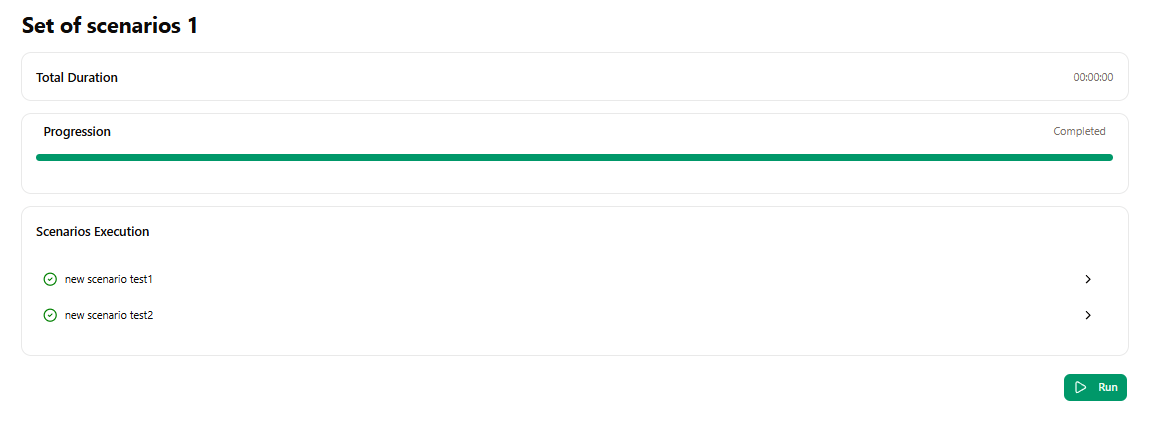
At the end of the Run, a mail is sent to indicate that it is finished.
The result of all test criterias are stored in the "Project tab".
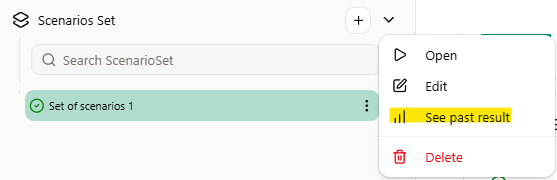
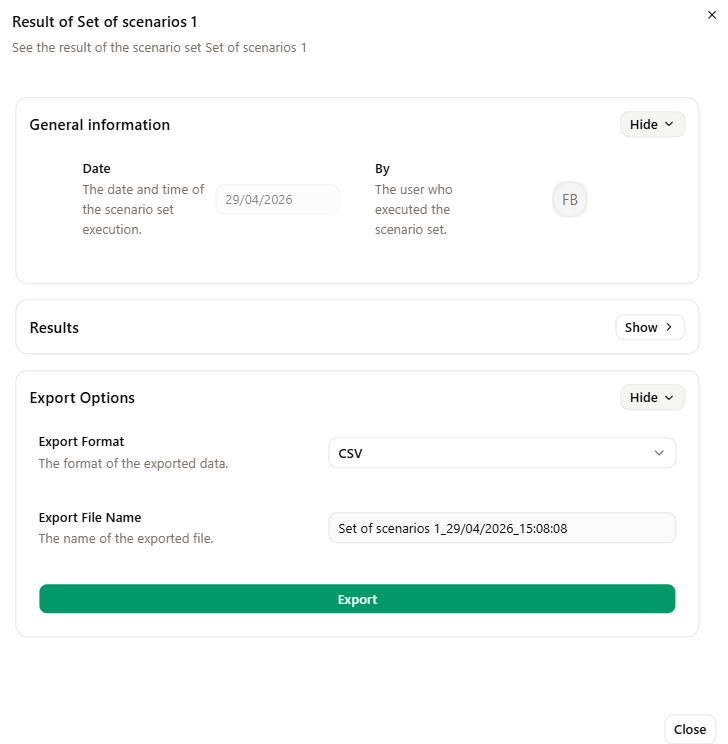
Click on 'See past result' then "export" to export a CSV containing all results.