Code of the State Machine
In order to validate the Service State Machine, we need to generate a code to test.
Before generating code, make sure you have generated the state machine transitions. After code generation, you can visualize your service in Virtual Bench or launch the executable directly.
C++ CODE GENERATION
To generate all your Model in code, go to the Overview tab, and click on [Code] Generate (generates 100% of code) or [Code] Generate and build (generates code then executes it):

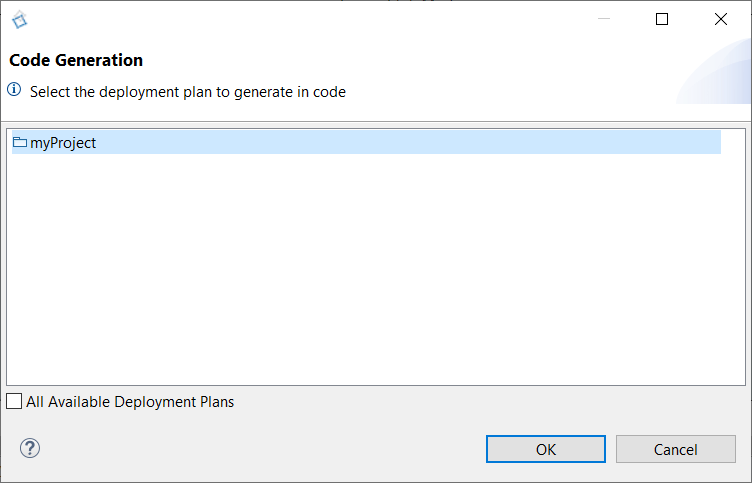
Then select your Project(s) and click on OK:
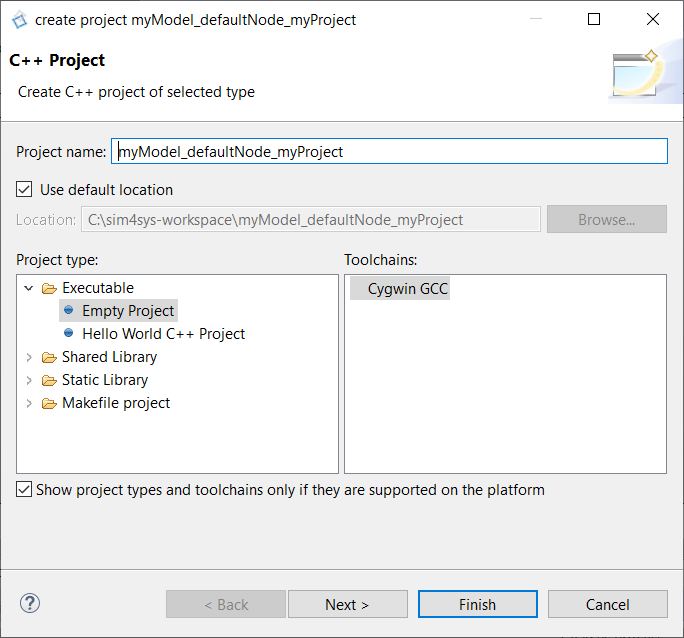
Now, you have to select a compilator (for Windows, Cygwin 64 must be installed), and click on Finish:
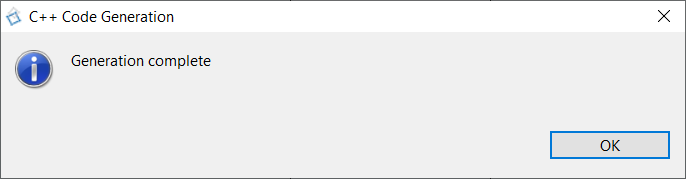
Once the code generation finished, you will be informed by the below pop-up:
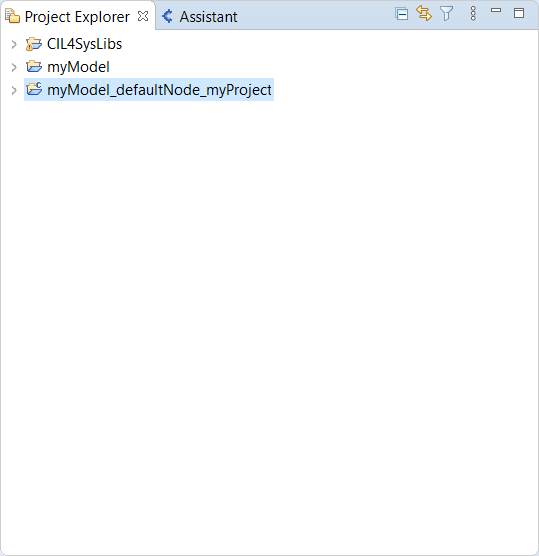
You can see the C++ code project in the Project Explorer tab:
BUILD C++ CODE PROJECT
This section is usefull only if you selected [Code] Generate.
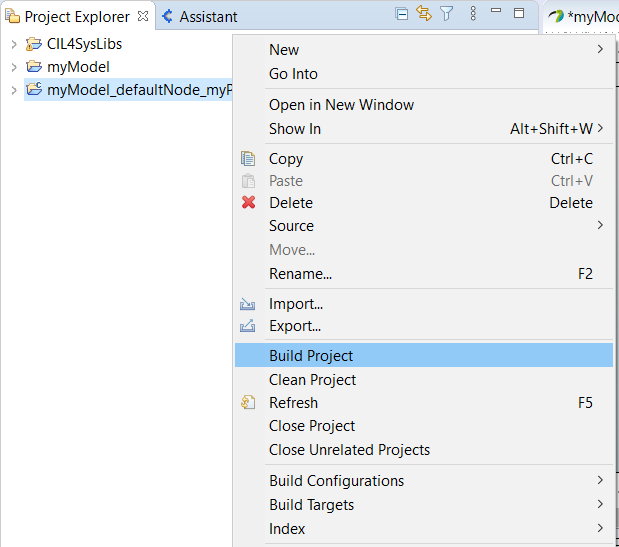
Now, right click on the C++ project and select Build Project (you must import CIL4SysLibs as a project before), then you can build your project:
RUN AS
To Run the project :
- Right click on the C++ project
- Select "RunAs > C/C++ Application" and switch back to your Sim4Sys project.