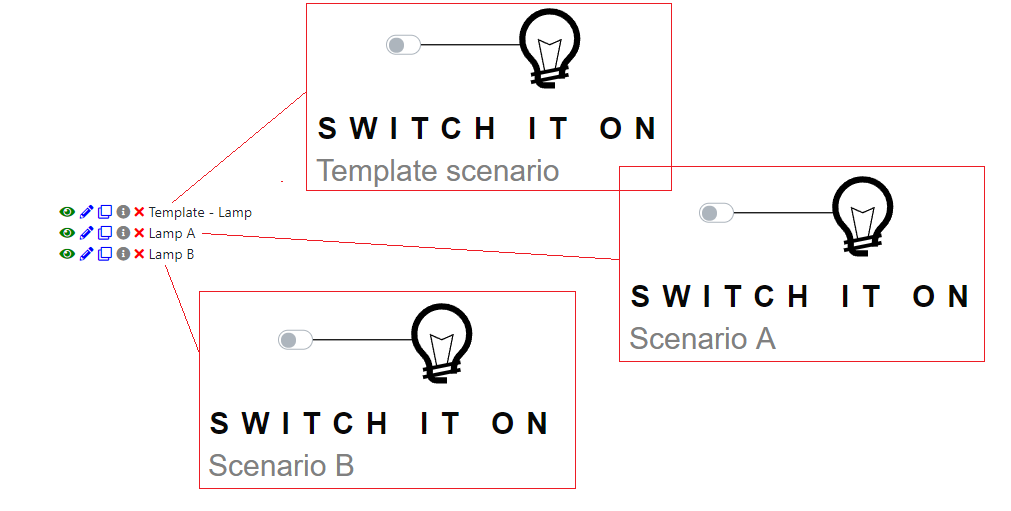
Template scenario
When working in a group, it may be more efficient to use a template scenario. A template scenario is a Virtual Bench scenario that contains all generic graphical elements, and most of the controllers. This generic scenario will then be duplicated as a working base for all other scenarios. One person should be in charge of the template scenario, so you don't end up with several copies of it with different versions in one project (as a scenario can only be owned by one person).
How to create a template scenario
Ideally, the template scenario is the first scenario to be created in your project. If it is not the case, you can duplicate your most advanced scenario (the one with the most 2D elements and/or controllers already created). You should give it an explicit name (e.g. "Template - Car HMI Project"). It is better if you can come up with explicit names for your elements, since these names will be reused when copying scenarios. Create as many controllers as you can: when duplicating the template scenario you will then have a few specific controllers left to configure (potentially none at all).
How to use a template scenario
Creating a new scenario
When you want to duplicate an existing scenario, you can use the "copy" option. This will create a new scenario. Remember to rename it.

It is better to duplicate a template scenario, because creating a new one can be time-consuming, and you may have different names for manually created elements.
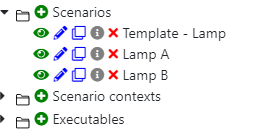
By duplicating the template, the most commonly used controllers and all elements will already be in your new scenario, ready to receive the minor changes needed.