Timeline
The Timeline environment represents a time line of the scenario. Actions defined here will be triggered when the time cursor attains them druing the scenario. User, Environment or Engineer interactions can be added on this environment. Contrary to other scene type, dimension of the timeline scene is fixed by scenario time defined in scenario parameters.
- You can create Timeline context by clicking on
 button. Only one scene of Timeline context type can currently be added to the project.
Parameters
Show/Hide all parameters
| parameter | editable | description | default unit | type |
|---|---|---|---|---|
| Name | ✔️ | Name of the context. | - | text |
| X maximum | ✔️ | Size on X of the context. | meter | integer |
| Y maximum | ✔️ | Size on Y of the context. | meter | integer |
| Grid dimension | ✔️ | Step precision of the context grid. | meter | decimal |
| Icon | ❌ | Icon of the context which will be displayed on the toolbar. | - | FontAwesome icons |
| Element Selection | ✔️ | Check elements you might use for this context. List of elements available on this context is listed bellow. | - | List of Elements |
Create a new Timeline group
You can add a new line by clicking on the following button "Add Timeline events line" at bottom left. Next, name your timeline and choose your background color. Then click on 'Create'.
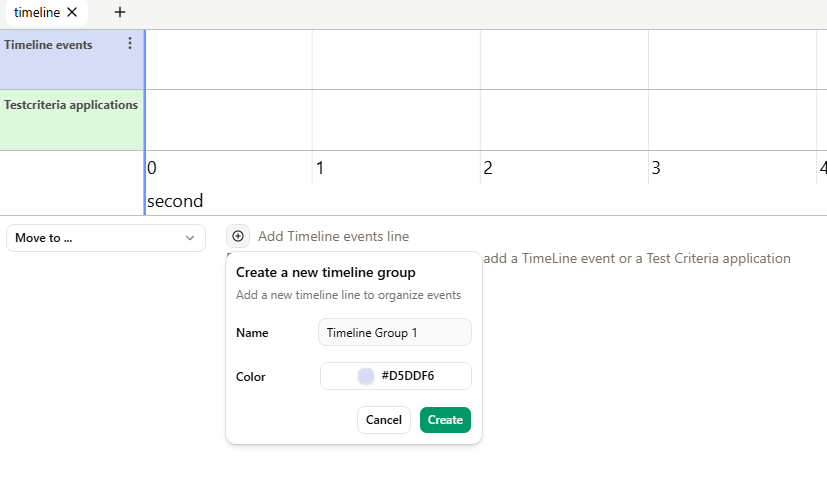
On each timeline group, you can acces its menu.
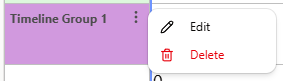
- You can click on Edit to modify the timeline group.
- You can click on to Delete to delete the timeline group. If there is still events in it, they will automatically move to another group.
This feature allows us to distinguish between the different events on the timeline. For example, distinguishing the events assigned between two cars.
Navigation and Zoom Controls
As all context, you can move in this context by drag and dropping with you mouse. You can also zoom in and out using the mouse whell.
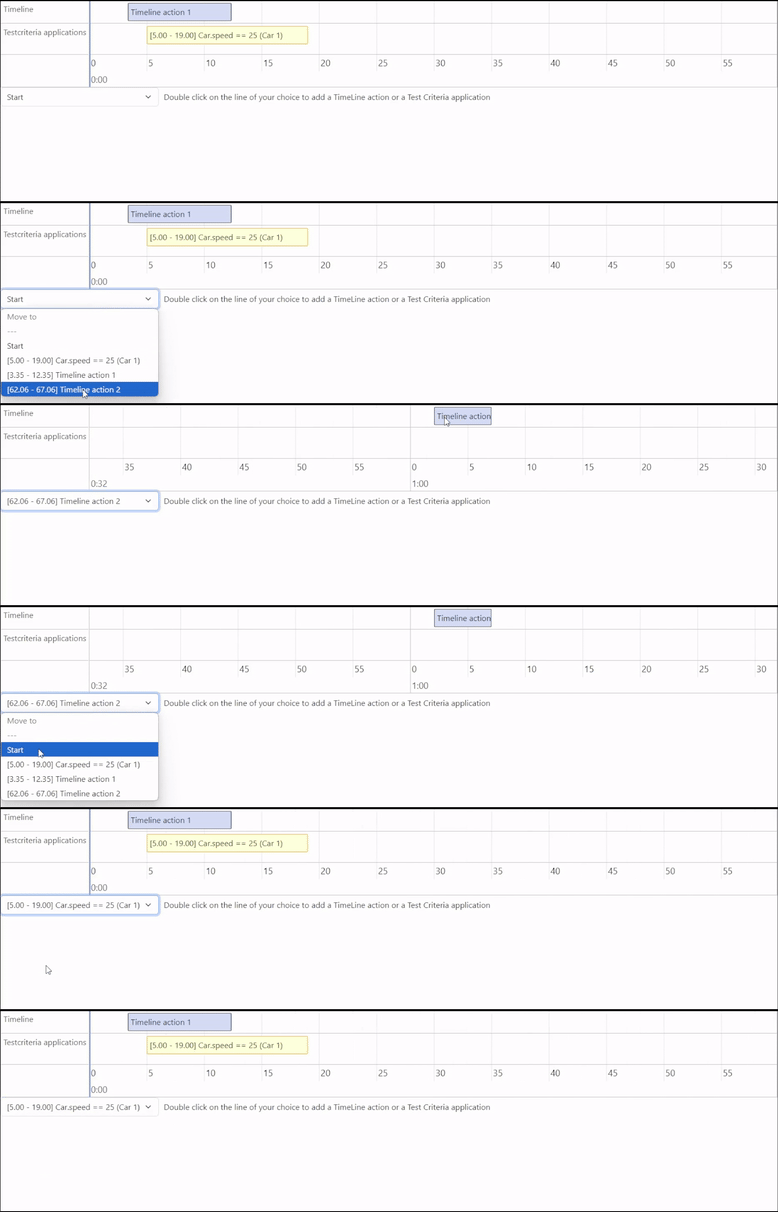
You can also move to any element within the environment using the dropdown menu located at the bottom left of the time axis, as shown below:
List of elements available on Timeline
Double click on the line of your choice to add a TimeLine action or a Test Criteria application
Show/Hide all elements
| Element Name | Icon |
|---|---|
| TimelineAction | 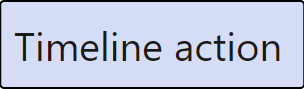 |
| Test Criteria |  |