Attach Equipment
There are two ways to attach equipment to another element:
- Drag and drop an equipment element on another element that can be attached (a pink frame will appear)
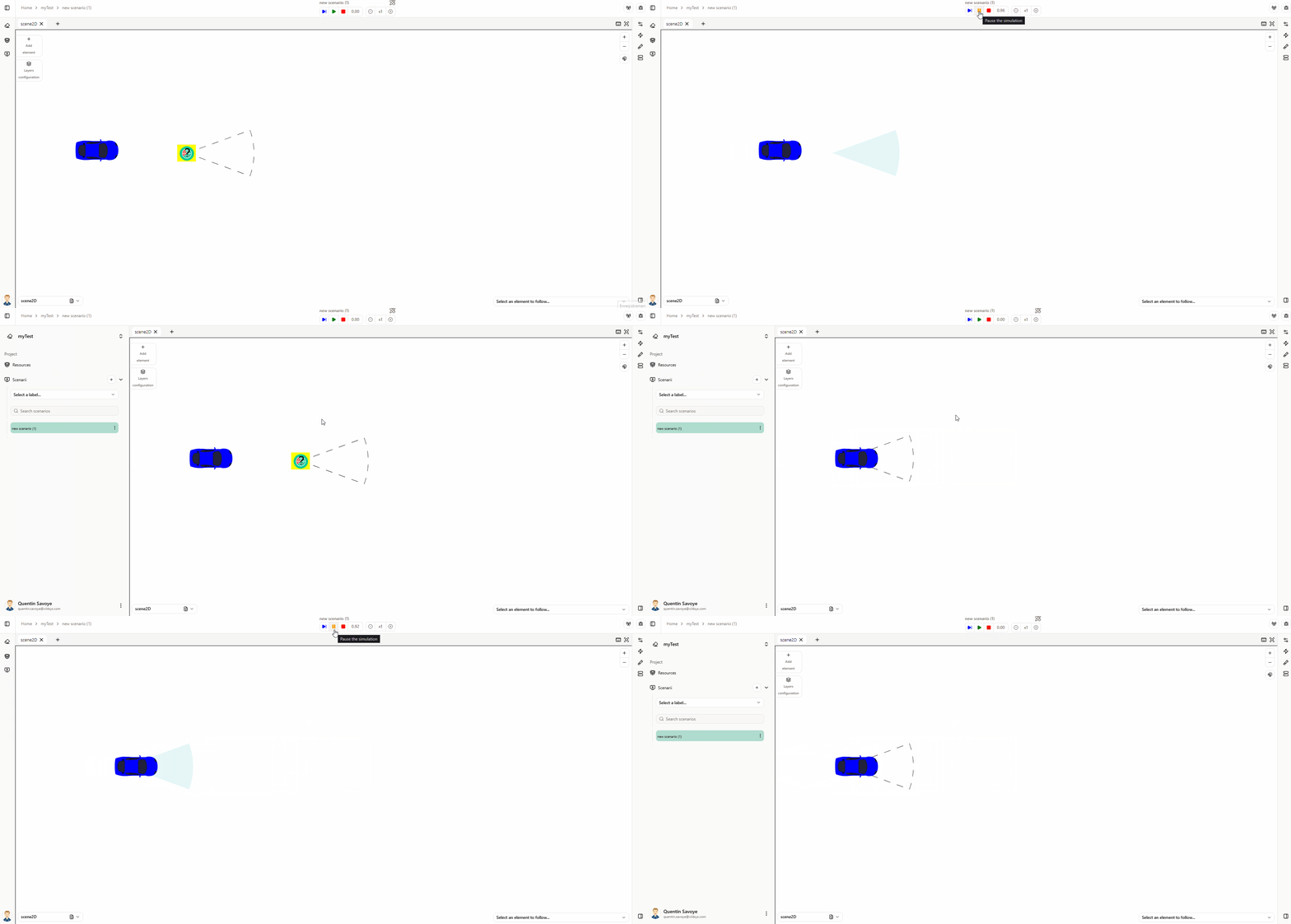
- Select both compatible elements (by pressing Ctrl), than right-click : Link -> Attach
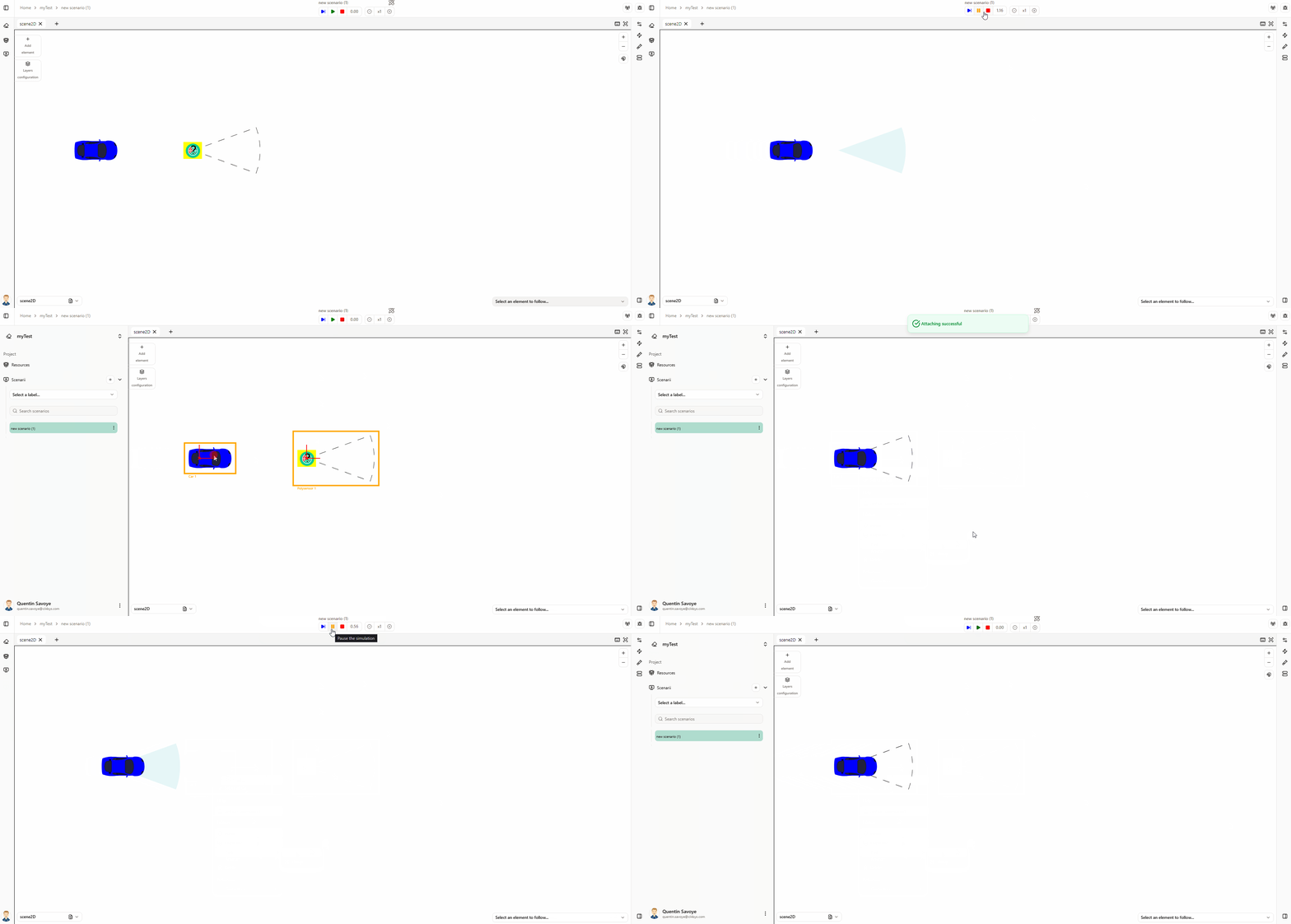
To Detach an element, right-click on the attached element : Link -> Detach
信息
You can attach two elements only in the Scene2D context. Attaching an element to another means the attached element has a position relative to its owner: when the owner moves, the attached element moves with it.
注意
Attaching and grouping elements have not the same effect:
- Attaching an element to another means the attached element has a position relative to its owner: when the owner moves, the attached element moves with it.
- Grouping an element with another means the grouped elements are treated as a single entity: when the group moves, all its elements move together.
Attachable elements
The following elements can be attached to an owner (they have a position relative to it).
Show/Hide attachable elements







Elements that can have an attachable
The following elements can have an attachable element (they act as owner; the attached element has a position relative to them).