Machine Transformer
This element represents a machine that transforms items from an input conveyor to items on an output conveyor.
This element must be used with 2D scene context.
Icon

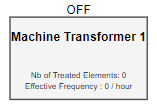
2D Representation
Machine transformer on scene 2D
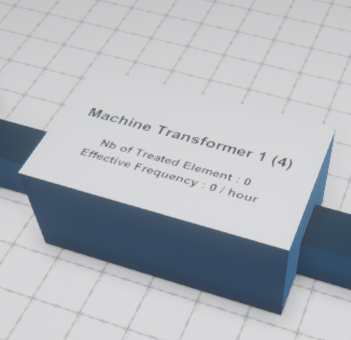
3D Representation
Machine transformer on scene 3D
External parameters
You can edit the units
Show/Hide all parameters
| parameter | editable via "Parameter" tab | updatable via a controller | description | default unit | type |
|---|---|---|---|---|---|
| X-axis position | ✔️ | ✔️ | Position of the element on the X-axis. | meter | Decimal number |
| Y-axis position | ✔️ | ✔️ | Position of the element on the Y-axis. | meter | Decimal number |
| iconX | ✔️ | ❌ | Relative position of the icon, from the origin of the attache element, on the X-axis. | meter | Decimal number |
| iconY | ✔️ | ❌ | Relative position of the icon, from the origin of the attache element, on the Y-axis. | meter | Decimal number |
| Visibility | ✔️ | ✔️ | This parameter allows you to choose if you want the element to be visible or not on the scene during the execution of the scenario. If the item is part of a group, it can inherit the value of that group. | - | Enumeration (visible, hidden, inherit) |
| Threshold zoom out | ✔️ | ❌ | Zoom level from which its representation on the scene is no longer modified. | % | Decimal number |
| Creation time interval | ✔️ | ✔️ | Time to transform input items into output items | second | Decimal number |
| State | ✔️ | ✔️ | State of the machine | - | Enumeration (on, off) |
| Properties | ✔️ | ❌ | Set the input and output conveyors of the machine transformer | - | List of input conveyors |
Properties
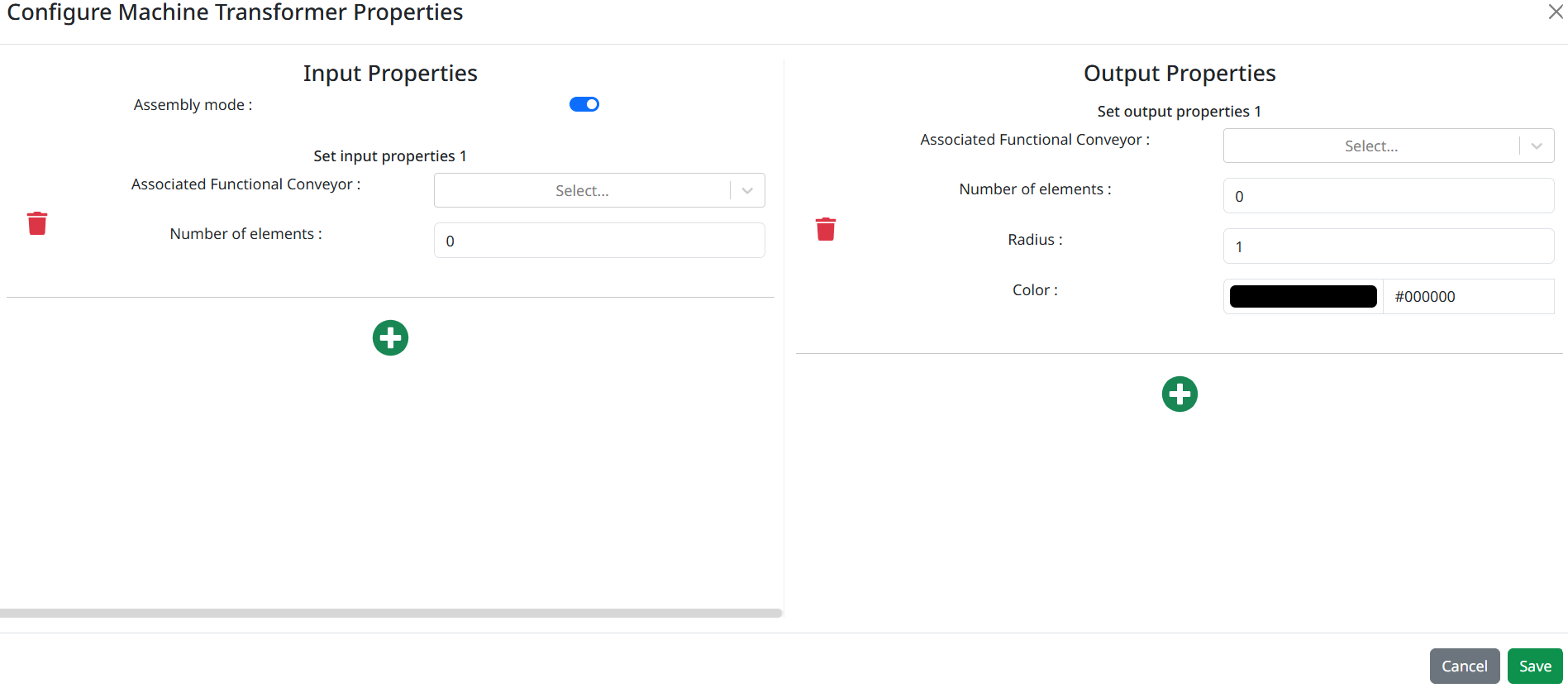
Input Properties
In the Input Properties tab, you can select the Functional Conveyor to associate with the input and define the number of elements required to generate an output.
Click on  to add new input.
Click on  to delete the desired input.
Output Properties
In the Output Properties tab, you can also select the Functional Conveyor to associate with the output and define the number of elements to be generated based on the number of input elements defined. You can also specify a radius and a color for the output elements.
Click on to add new output.
Click on to delete the desired output.
Assembly mode
The Assembly Mode defines how outputs are generated based on the expected number of input elements. When enabled, the system waits until all inputs have reached their defined number of elements before producing an output. When disabled, an output can be generated as soon as at least one input has reached its defined number of elements, without waiting for the others.
Triggered behaviours
See Actions page for more explanation.
Show/Hide all triggered behaviours
Events
See Events page for more explanation.
Show/Hide all events
| event | description |
|---|---|
| On Parameter Value Changed | The element can send information to the model when the value of the selected parameter has changed |
| Continually | The machine transformer can send information to the model continuously |
| At initialization | The machine transformer can send information to the model once at initialization |